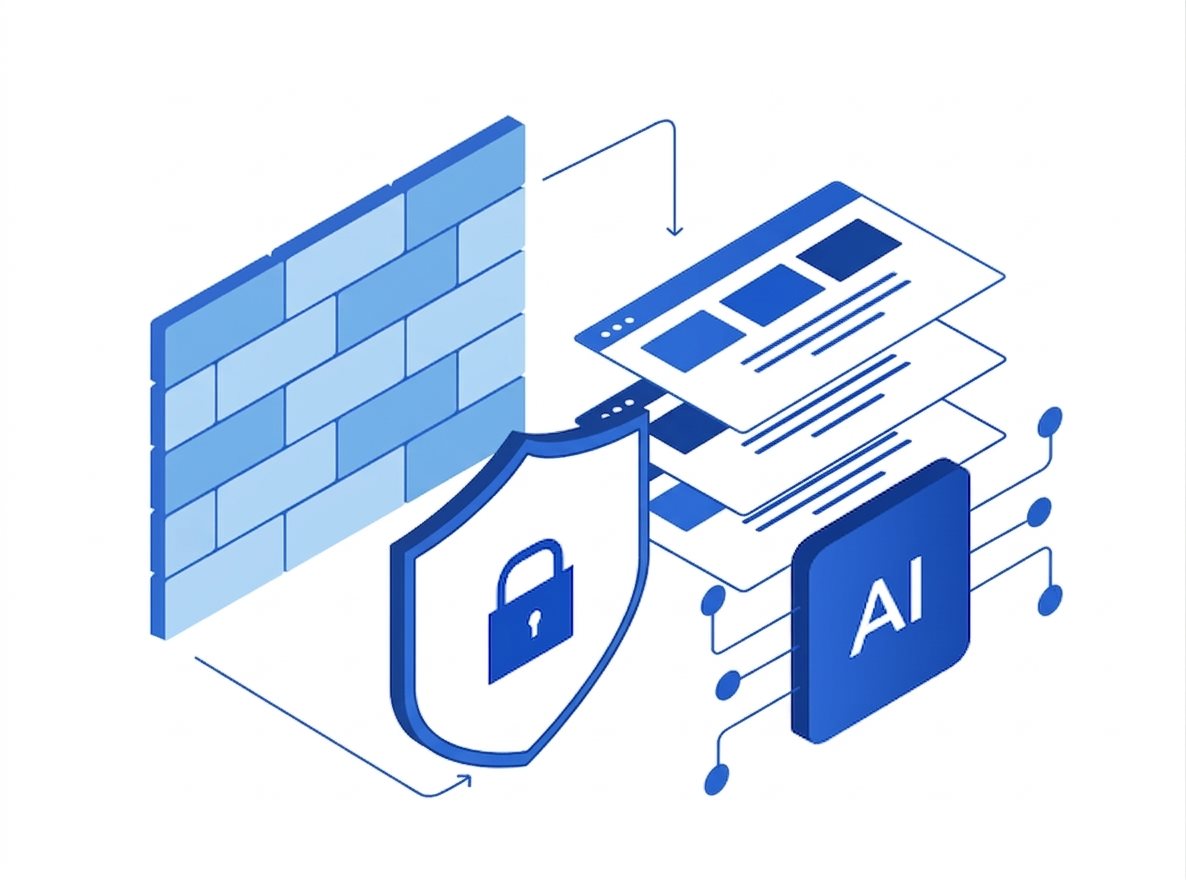
Website security represents one of the most critical and frequently discussed topics in the industry. WordPress, being the dominant CMS powering roughly 40% of all internet websites, faces significant vulnerability concerns simply because of its scale. That widespread adoption has made WordPress sites a prime target for malicious actors looking to exploit weaknesses.
The good news: most attacks follow predictable patterns, and nearly all of them can be prevented with the right configuration. Below are 15 of the most common WordPress vulnerabilities and the specific steps you can take to defend against each.
15 Common WordPress Vulnerabilities and How to Prevent Them
1. Cross-Site Scripting (XSS)
Attackers inject malicious scripts into input fields that later execute in other users' browsers. Prevent it by sanitizing all inputs using sanitize_text_field() and escaping output with esc_html() or wp_kses_post().
2. SQL Injection
Hackers inject malicious SQL code to manipulate your database. Always use prepared statements via $wpdb->prepare() and deploy a Web Application Firewall (WAF) for an additional layer of protection.
3. Cross-Site Request Forgery (CSRF)
Attackers trick authenticated users into performing unintended actions. Implement nonces in every form using wp_nonce_field() and verify them on submission.
4. Brute Force Attacks
Systematic password-guessing attacks. Defend with Two-Factor Authentication (2FA), login attempt limits, and strong password policies for all users.
5. File Inclusion Vulnerabilities
Improper input sanitization can allow malicious file execution. Disable PHP execution in upload directories and validate every file upload.
6. Insecure Plugins and Themes
Outdated or pirated extensions are a common malware vector. Download only from trusted sources like the official WordPress repository and keep everything up to date.
7. Outdated WordPress Core
Running older versions exposes sites to known, publicly documented exploits. Enable automatic updates through the dashboard whenever possible.
8. Insecure Admin Access
Default /wp-admin URLs make brute force targeting trivial. Use plugins like WPS Hide Login to obscure admin access points.
9. Outdated PHP Version
Legacy PHP versions contain critical security flaws that never get patched. Upgrade to the latest supported PHP version through your hosting control panel.
10. Directory Listing Enabled
Exposed file directories reveal sensitive information about your site structure. Disable by adding Options -Indexes to your .htaccess file.
11. XML-RPC Exploitation
Remote access features can facilitate brute force attempts. Block XML-RPC by adding rules to .htaccess or using a dedicated plugin if you don't need it.
12. Malware Infections
Backdoors and phishing pages often result from compromised extensions. Deploy security scanners and implement a Web Application Firewall to catch infections early.
13. Privilege Escalation
Attackers elevate their user permissions to administrator level. Restrict user roles to only what's necessary and review permissions regularly.
14. Unvalidated Redirects
Unsecured redirects can send users to malicious sites. Always validate redirect URLs using wp_safe_redirect() instead of wp_redirect().
15. Weak wp-config.php Configurations
Exposed database credentials enable full-site breaches. Relocate wp-config.php above public_html and lock down file permissions.
The Wordfence Security Plugin
For most WordPress sites, Wordfence is a comprehensive all-in-one solution. It bundles firewall protection, login security with Two-Factor Authentication, and automated malware scanning in a single plugin. It's a solid first line of defense while you work through the hardening checklist above.
Conclusion
Cyber threats are always changing, and WordPress security is never a one-and-done task. Stay informed about emerging vulnerabilities through resources like CVE Details, keep your core, plugins, and themes updated, and treat security hardening as an ongoing discipline — not a launch-day checklist.
Need managed WordPress hosting with built-in security, automated backups, and Imunify360 protection? Explore 512 Hosting's plans — we handle the infrastructure hardening so you can focus on your site.